

Economy processing
Every upload is analysed on our standard AI models — full moment detection and captions. Auto, with premium models, comes with Creator and Pro.
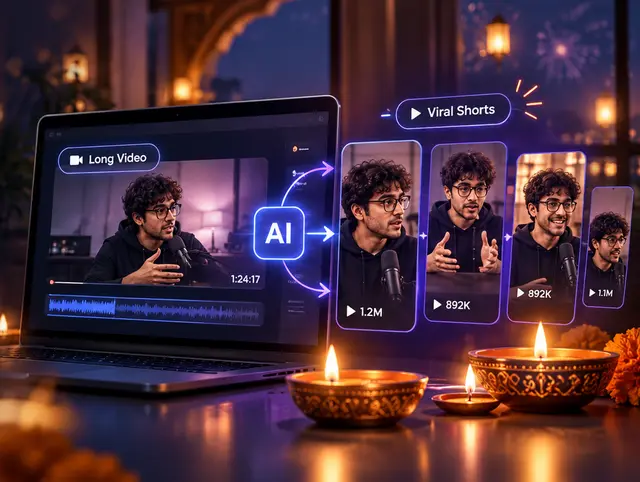
ClipIQ’s AI transcribes your video, finds the moments worth posting, and ships captioned 9:16 clips for Shorts, Reels and TikTok — from a YouTube link or an upload, in minutes.
Free plan · No credit card · 500 minutes of video to start
Diwali special
Until 8 November
Turn long videos into scroll-stopping shorts with AI — your first week of Creator at half the price.
Creator's first week costs ₹125 instead of ₹249 — 50% off.
₹125 is your first week on Creator, paid with UPI; then ₹249 a week. Cancel any time. Offer terms
Paste a link, pick a length, press Generate, download. Click any step to jump to it.
How it works
Step 1 of 4: Paste a link
Free plan · No credit card
The same AI clipping pipeline every upload goes through, sped way up.
“…strong cold-open hook in the first three seconds, a concrete claim backed by a specific number, and a clear emotional beat at the payoff…”
Clips come out vertical for TikTok, Instagram Reels and YouTube Shorts. Need landscape for YouTube and X, or square for LinkedIn and Facebook? Export any clip in that exact shape, already reframed and captioned.
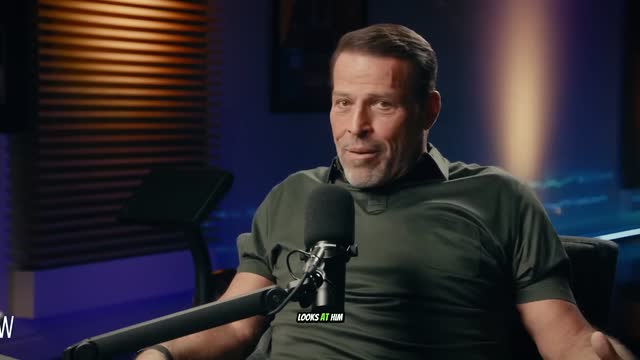 16:9
 9:16
 1:1
 9:161:1
 16:9
YouTube · Landscape · 16:9 · 1920×1080One click on any clip · 1 credit per export.
Instagram · Reels · 9:16 · 1080×1920Included with every upload — no extra step, no extra credits for the render.
LinkedIn · Square · 1:1 · 1080×1080One click on any clip · 1 credit per export.
TikTok · Vertical · 9:16 · 1080×1920Included with every upload — no extra step, no extra credits for the render.
Facebook · Square · 1:1 · 1080×1080One click on any clip · 1 credit per export.
X · Landscape · 16:9 · 1920×1080One click on any clip · 1 credit per export.
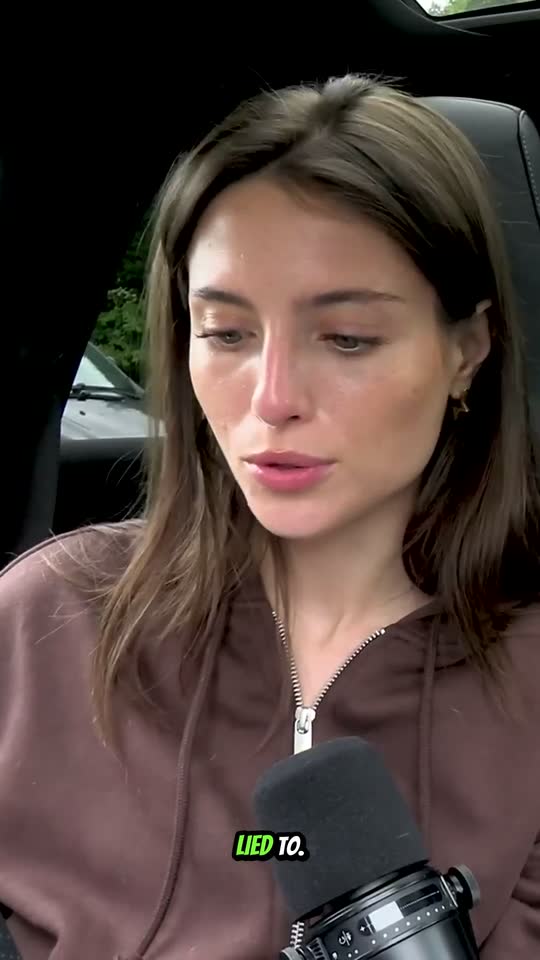
Every clip gets AI auto captions, burned in. On Creator and Pro, pick a look — karaoke, comic, pill, pop or reveal — and the captions animate word by word, timed to the audio.
Caption style
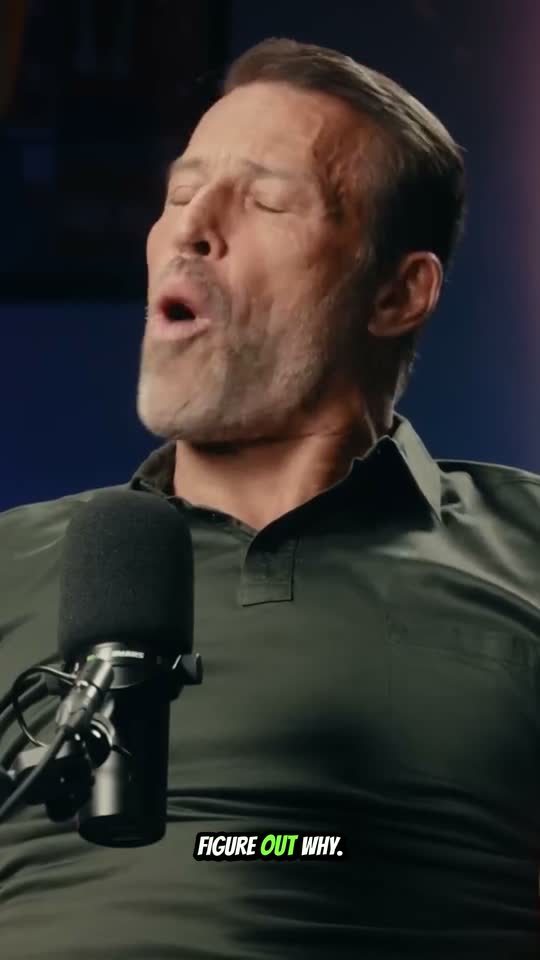
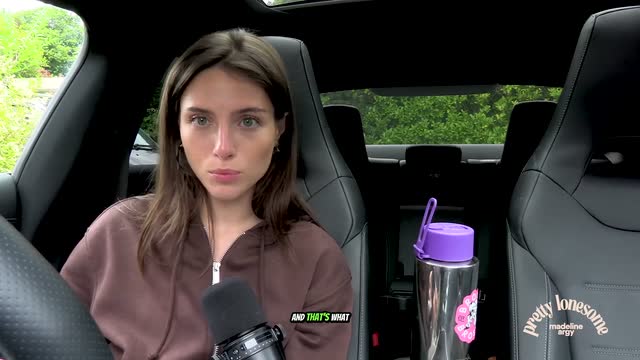
Big all-caps lines; the spoken word flashes green.
Pick a look once on the caption-styles page and it is applied to every new clip. Downloadable .srt subtitles are never animated.
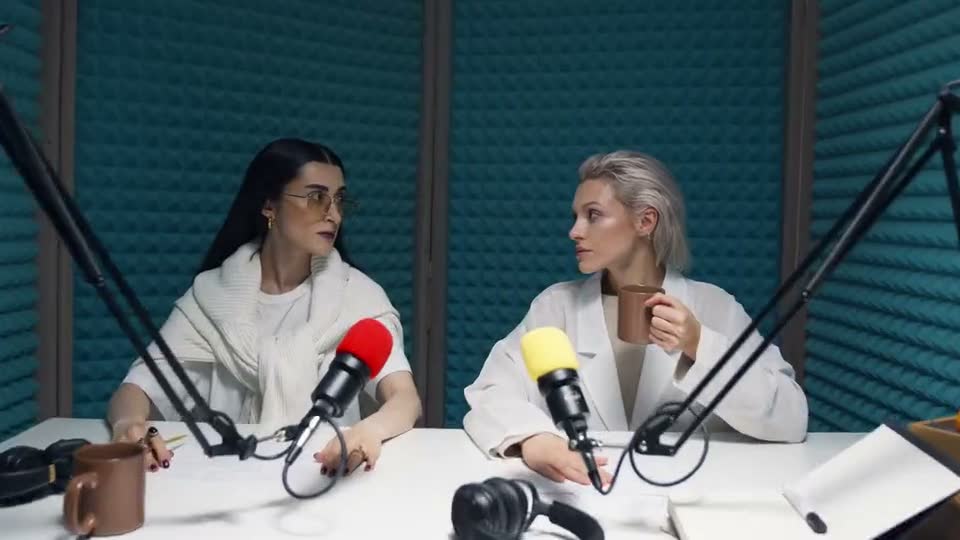
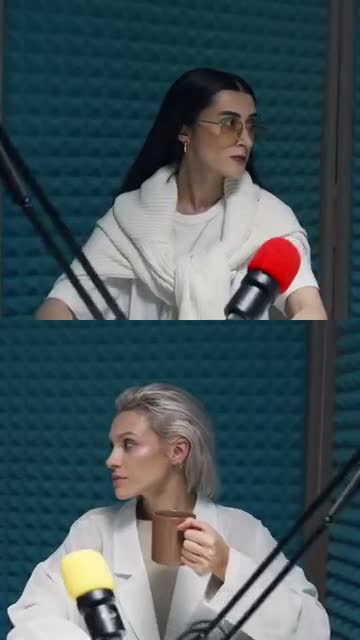
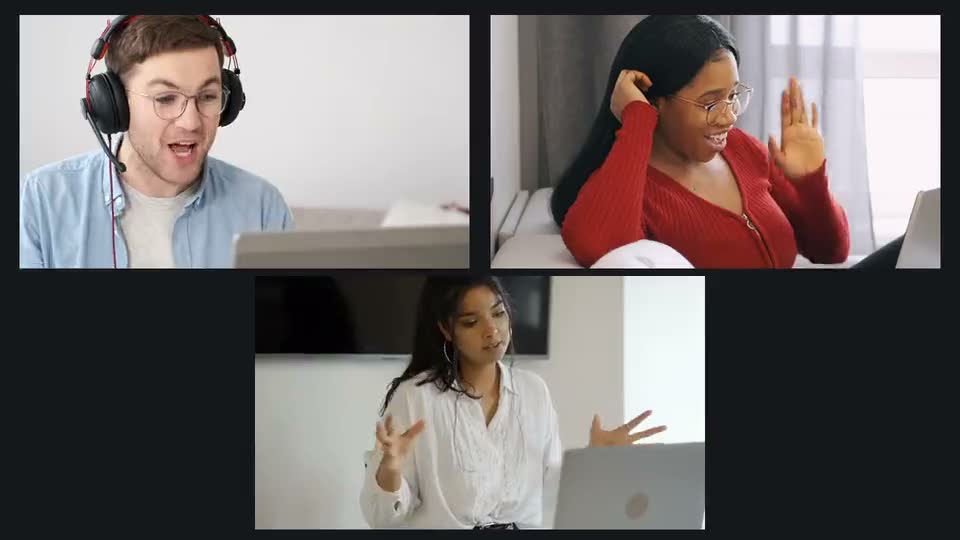
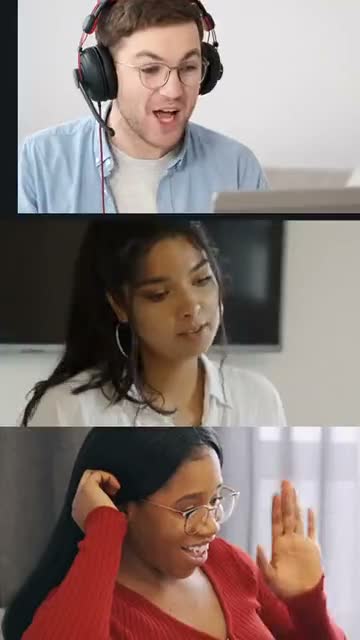
Pick a layout when you add a video. ClipIQ finds the people in it and frames every clip around them — one speaker, a two-person podcast, a three-way call, or a screen recording with your webcam.
Every layout is on every plan, Free included. Fit, Four and Gameplay are there too.
At no point do you need to open a video editor.
One file, real progress — a podcast episode, a stream VOD, a long-form talk. Or paste a YouTube link and turn that video into Shorts.
The AI transcribes it, scores every candidate window, and picks the clips actually worth posting — with its reasoning attached, not just a rank.
A ranked gallery of captioned, reframed 9:16 clips for Shorts, Reels and TikTok. Play each one in-browser, download what you want to post.
Cutting, reframing, and burning in captions is commodity work — every AI clipping tool does it competently. The hard problem is deciding which 45 seconds out of an hour of footage is actually worth a viewer’s attention. Most tools return a score and hide the reasoning. ClipIQ shows its work.
Why this clip was selected
“Strong cold-open hook in the first three seconds, a concrete claim backed by a specific number, and a clear emotional beat at the payoff — the kind of density that holds attention on a vertical feed.”
of raw footage in
A ranked shortlistyou can post today
You already believe short clips grow your audience. You just don’t have three extra hours a week to sit in a timeline finding them yourself. ClipIQ is built for the solo creator or small team publishing weekly or biweekly — podcasts, YouTube videos, stream VODs, panel talks — who wants clipping off their plate entirely, not a faster way to do it by hand.
Whatever you publish long-form, ClipIQ finds the short-form clips inside it.
Turn a full episode into a shortlist of quotable, captioned clips — the moments a listener would actually share.
Learn morePaste the link to a video you have already published and get vertical Shorts from it, with nothing to download or re-edit.
Learn moreHours of recording in, the moments worth cutting out. Long stretches with nothing said are left behind.
Learn morePull the one point from a 60-minute session that deserves a post — with a clear hook, a payoff, and captions.
Learn moreAlso for TikTok clips, Instagram Reels, interviews, lectures and courses, sermons, LinkedIn posts and auto captions. See every use case →
The AI clip finder scores every candidate window on hook strength, pacing, and payoff — not just keyword spotting.
Accurate transcription with styling presets, or download the raw SRT if you edit elsewhere. Creator and Pro add word-by-word animated captions.
Every clip is recomposed for 9:16 — no manual cropping, no dead space. Need landscape or square? Export any clip for YouTube, X, LinkedIn or Facebook.
Paste a YouTube link or drop a file — both feed the exact same pipeline, same quality bar.
No trial timer and no card. You get real, captioned clips from day one — with four honest limits, so nothing surprises you later.
Every upload is analysed on our standard AI models — full moment detection and captions. Auto, with premium models, comes with Creator and Pro.
3 uploads in any rolling 24 hours, then the next one unlocks as the oldest ages out. Creator and Pro have no daily cap.
You get the top 5 moments from every video. Creator unlocks 15, Pro 25.
Free exports carry a “Made with ClipIQ” mark. Remove it from any clip for 4 credits, or go Creator and never see it.
One credit is one minute of video, and every clip it makes is included. Platform exports are 1 each. Your welcome credits never expire.
Credit packs from ₹249 work on Free too. They top up credits — the limits above lift only when you subscribe.
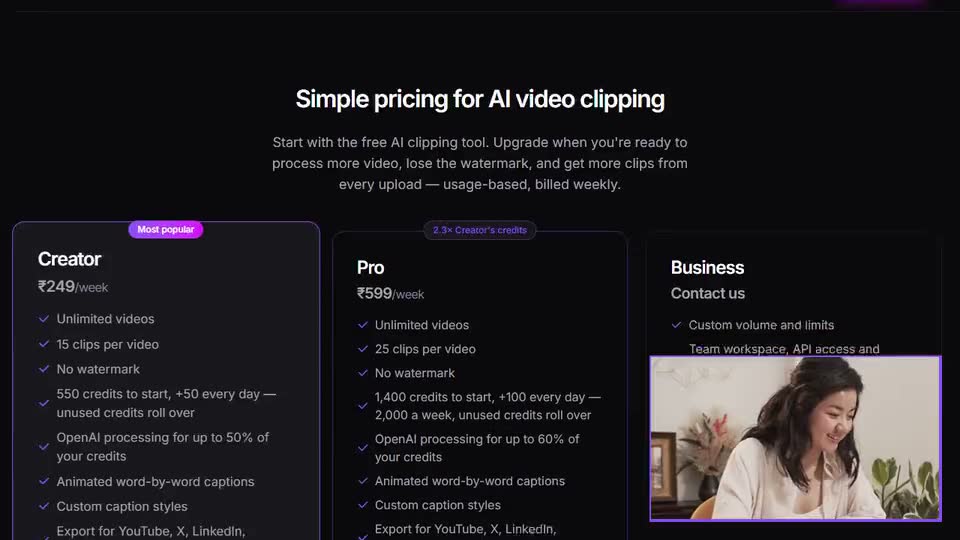
Everything in Free, without the watermark or the daily cap — plus animated captions, up to 15 clips from every video, and premium processing.
Creator credits: 500 every week plus 50 every day — 550 to start and 850 by the end of the week. Unused credits roll over, up to 3,400. Up to 50% can go to Premium processing; Economy has no limit.
550 to start, 850 by day 7 — and unused credits roll over (up to 3,400) while you keep using them.
Billed weekly. Cancel any time from Manage billing — you keep your plan until the end of the week you have paid for.
ClipIQ is an AI video clipping tool. You upload a long video or paste a YouTube link, and it transcribes it, finds the moments most worth posting, and delivers captioned, vertical clips for TikTok, Instagram Reels and YouTube Shorts.
Upload the file or paste a public YouTube link, wait a few minutes while ClipIQ transcribes it and scores the moments, then review the ranked clips and download the ones you want. Each one arrives already cut, reframed to 9:16 and captioned.
MP4, MOV, WEBM, MKV, M4V, and AVI, up to 2GB per file. You can also paste a public YouTube video link instead of uploading a file.
It transcribes the full video, then scores every candidate window for hook strength, pacing, and payoff. Every clip ships with its reasoning attached, so you can see why it was picked, not just a bare score.
Yes. Every clip is transcribed and captioned, with the captions burned in, and you can download the SRT too. Creator and Pro add animated word-by-word caption styles — karaoke, pill, pop and more.
ClipIQ picks moments from what is said, so it works best on spoken content — podcasts, interviews, talks, webinars and stream recordings. A video with little or no speech, like a music video, gives it little to work with.
No. Clips arrive already cut, reframed to 9:16, and captioned — reviewing the ranked shortlist and downloading is the whole workflow.
TikTok, Instagram Reels and YouTube Shorts (9:16) come with every upload. YouTube and X (16:9) and LinkedIn and Facebook (1:1) are one click on any clip, at 1 credit per export.
Yes, there is a free plan and it needs no credit card. Free gives you 3 videos a day, 5 clips per video, economy processing and a small watermark, plus 500 credits (500 minutes of video) to start and 30 more every week. Creator and Pro lift those limits.
Upload once. Let ClipIQ find what’s worth posting.
Sign Up for FreeNo credit card required